
How to compress a PDF to 100KB (or any exact size)
Application portals often demand PDFs under 100KB. Here is how to hit an exact size limit in your browser for free — plus what to do when 100KB is physically impossible.
Why portals demand 100KB — and why most compressors fail at it
Government portals, university application systems and job boards commonly cap uploads at 100KB, 200KB or 500KB. Ordinary PDF compressors offer quality presets (low/medium/high) but cannot target a byte size, so you end up compressing repeatedly and hoping.
A target-size compressor works backwards from your limit: it estimates how far the file can shrink, then tunes image resolution and quality to land under the cap while keeping the text layer sharp.
What actually takes up space in a PDF
Nearly always: images. A scanned page at 300 DPI can be several megabytes, while the text layer of a typical page is a few kilobytes. Compression therefore means downsampling and re-encoding images — real text and vector graphics stay crisp because they are never rasterized.
This also explains when 100KB is impossible: a 30-page scan cannot become 100KB and stay readable. An honest tool tells you the reachable floor up front instead of silently producing an unreadable file.
Honest expectations
Paplume shows a pre-run estimate of the reachable size, computed locally by sampling pages and consuming no quota. If your target is below the floor, it says so before you spend a run. If compression would not help at all, it tells you and consumes no quota. All of this is free during the Beta, with a daily quota shown before you start — and the file is processed locally in your browser, never uploaded.
Step by step
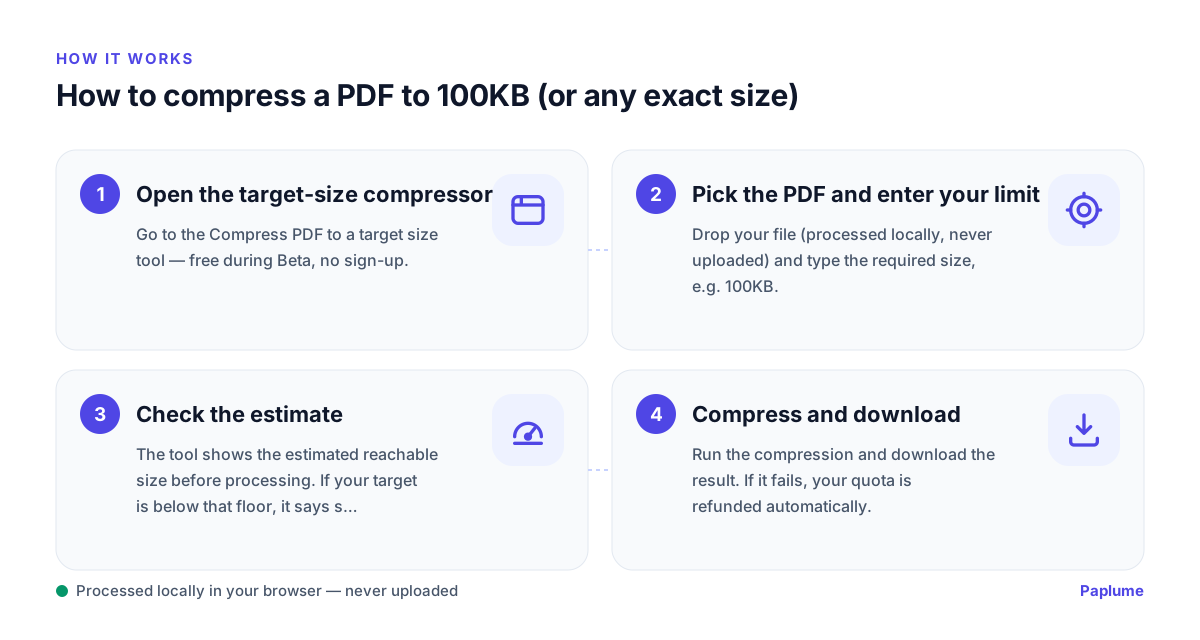
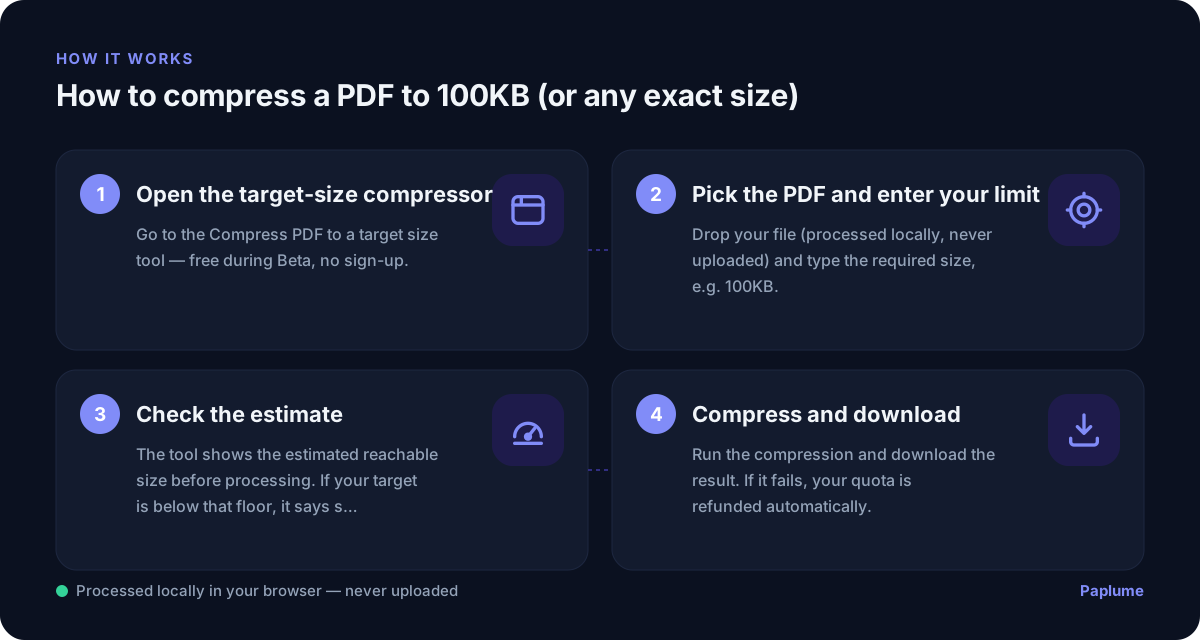
- 1
Open the target-size compressor
Go to the Compress PDF to a target size tool — free during Beta, no sign-up.
- 2
Pick the PDF and enter your limit
Drop your file (processed locally, never uploaded) and type the required size, e.g. 100KB.
- 3
Check the estimate
The tool shows the estimated reachable size before processing. If your target is below that floor, it says so honestly.
- 4
Compress and download
Run the compression and download the result. If it fails, your quota is refunded automatically.
FAQ
Can any PDF be compressed to 100KB?
No. Text-based PDFs of a few pages usually can; long image-heavy scans cannot without becoming unreadable. The tool shows you the reachable floor before you run it.
Will text become blurry?
Real text layers stay sharp — compression re-encodes images, not text. In a scanned PDF the "text" is itself an image, so heavy compression will visibly soften it.
Is my file uploaded?
No — compression runs locally in your browser. Verify it yourself: DevTools → Network shows no file upload.